
This guide explains how to check your Alabama state tax refund status, what information you need, how long the Alabama Department of Revenue says refunds take, and what to do if yours is late. State Refund Tracker is an independent information site and is not affiliated with the Alabama Department of Revenue. Every link below goes to the official source.
The timeframes on this page come from the agency's own refund pages, last reviewed in 2026. Processing times can change from one filing season to the next, so confirm them on the official page before you contact anyone.
How to check your Alabama state refund status
The Alabama Department of Revenue provides the My Alabama Taxes (MAT) for checking a refund. Follow these steps:
- Have your Alabama return in front of you. You will need the details requested by My Alabama Taxes for your return.
- Open the official tool: My Alabama Taxes (MAT). Make sure the address ends in an official state domain and never follow a link from an unexpected e-mail or text message.
- Enter the details exactly as they appear on your return. Even a small mismatch, especially in the refund amount, can produce a "not found" result.
- Read your status and note the date you checked. If the status has not changed, that is often normal while processing continues.
- Check again only after the agency's stated interval has passed. The official page is here: Alabama refund information.
How long does a Alabama state tax refund take?
Here is what the Alabama Department of Revenue publishes about timing:
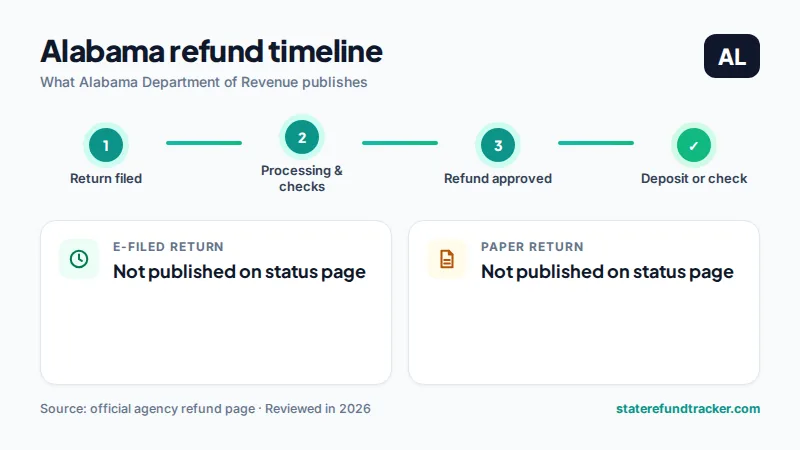
- The Department's refund FAQ pages we reviewed do not publish a single fixed processing timeframe.
- My Alabama Taxes is the primary tool for checking a refund.
- The Department's FAQ also states that it may seize a state tax refund to reduce a tax liability.
Your Alabama refund is separate from your federal refund. The IRS and the state process returns independently, so one can arrive weeks before the other. For a comparison across states, see how long a state tax refund takes.
Why your Alabama refund may be late and what to do
The Department states in its FAQ that it may seize a state tax refund to reduce a tax liability, so a refund that never arrives can be tied to an outstanding balance. Check your My Alabama Taxes account for notices before assuming a processing problem.
- Confirm that the details you entered match your return exactly, including the refund amount.
- Wait through the full window the agency publishes before assuming there is a problem.
- Do not file a second return for the same year unless the agency tells you to; a duplicate can slow processing.
- If you received a letter or notice, respond to it promptly and keep a copy. For general causes of delay, read our guide to a delayed state tax refund and what status messages mean.
Alabama refund status phone number and contact
The official refund page we reviewed does not list a dedicated refund phone number. Use the Department's Help Center at support.revenue.alabama.gov for current contact options. Always reach the agency through its official website.
Have your return and the exact refund amount ready before you call. Be cautious of unsolicited calls or messages that claim to be from the agency; contact the agency yourself using the official website.
Frequently asked questions about Alabama refund status
How do I check my Alabama state tax refund status?
Use the Alabama Department of Revenue's My Alabama Taxes (MAT). You will need the details requested by My Alabama Taxes for your return. The official tool is linked at the top of this page.
How long does a Alabama state refund take?
The refund page we reviewed does not publish a single fixed timeframe, so use the official tool and the agency's contact information if your status does not change.
What is the Alabama refund status phone number?
The official refund page we reviewed does not list a dedicated number. Use the Department's Help Center at support.revenue.alabama.gov for current contact options.
How do I check my Alabama refund?
Use My Alabama Taxes, the Department of Revenue's online portal, which the Department directs taxpayers to for refund information.
Can Alabama keep my refund?
The Department's FAQ says it may seize a state tax refund to reduce a tax liability and may use other collection methods allowed by law.
Next steps
Check your status with the official Alabama tool, and return to our state tax refund status hub to compare other states. Filing in another state too? See Georgia, Louisiana and South Carolina. Information on this page is provided for general purposes only and is not tax advice.